

It’s like the digital evidence of the person’s intentions to accept the content of a document. It can be described as a digital replacement for an original handwritten signature. It shows the intention to sign, authentication of identity, integrity, and legitimacy.
Examples of electronic signatures include:
- Typing your name.
- Insert the image of your signature.
- Clicking “I accept”.
Electronic Signature vs Digital Signature
These are the main differences that help understand the Electronic and Digital Signature:
Electronic Signature
- It shows the signer’s intent to sign a document.
- Includes typed names, scanned signatures, tick boxes, or drawn signatures.
- Easy and quick to create online with security.
- Identity verification is not mandatory.
- Good for everyday agreements (NDAs, HR Forms, Sales Contracts).
- Legal and widely accepted.
Digital Signature
- A highly secure type of electronic signature with encryption.
- It uses cryptographic technology to verify the signer’s identity.
- Creates a digital signature certificate with a timestamp, signer info, and encryption keys.
- Detects if a document is modified or tampered with after signing.
- Provides strong authentication and is legally valid.
- It is used for sensitive documents like banking, tax forms, and government files.
Automate your KYC Process & reduce Fraud!
We have helped 1000+ companies in reducing their user onboarding TAT by 95%
Types of e-Signature
There are mainly 3 types of electronic signatures:
Simple Electronic Signatures (SES)
It is the most commonly used eSignature. It basically includes typing your name at the end of an email, clicking on I agree, or drawing your signature with a mouse. SES is most suitable for low-risk documents like consent forms, internal approvals, or everyday business agreements. It is convenient but not suitable for signing sensitive and high-value contracts.
Advanced Electronic Signatures (AES)
It provides a higher level of security and authenticity. This signature involves encryption and digital certificates that link the signature to the signer. An AES confirms that any changes made to the document after signing and detectable.
OTP, email verification, or ID proof are used in the electronic signature to confirm the signer’s identity. It is used to sign financial, legal, and other contracts.
Qualified Electronic Signature (QES)
It is the most secure and legally valid eSignature. It requires strict identity verification, including in-person or video KYC checks, to issue a digital certificate. It has equal validity as a handwritten signature. It is used for high-value transactions, cross-border contracts, banking forms, public sector paperwork, and documents.
Is an electronic signature legally valid?
An electronic signature is legally valid in most countries. It shows intent to sign, consent, is linked to the document, and has a reliable record. It should meet the guidelines like the Information Technology Act, 2000.
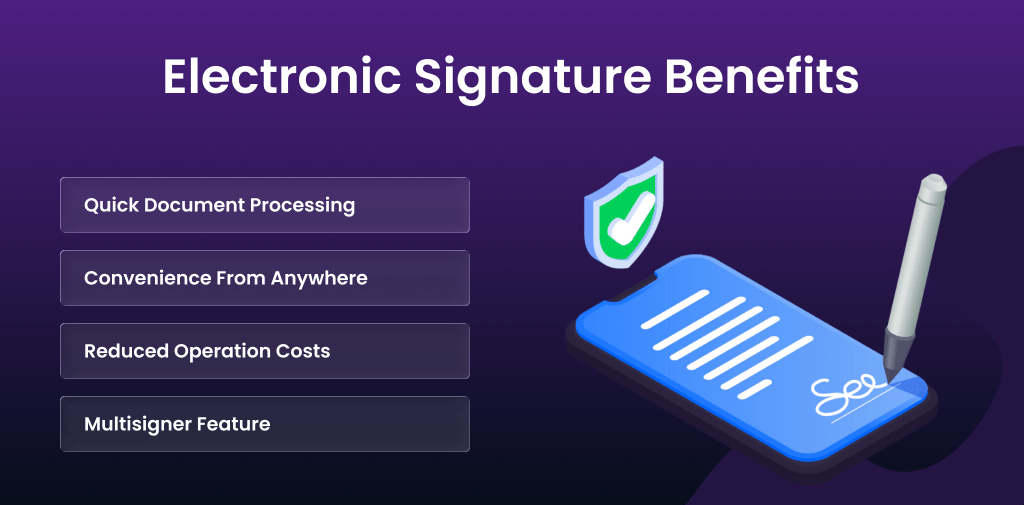
Electronic Signature Benefits
These are the benefits of eSignature:
- Quick Document Processing: Electronic signatures eliminate the need for printing, scanning, or in-person signing. It helps businesses complete paperwork faster.
- Convenience From Anywhere: Users can sign documents from any device-mobile, laptop, or tablet. It allows remote teams, clients, and partners to complete agreements without physical presence.
- Reduced Operation Costs: eSign reduces administrative costs and simplifies day-to-day operations. It removes printing, courier, storage, and manual expense handling.
- Multisigner Feature: Multiple people can sign, review, and comment on documents instantly. It improves communication, reducing delays and helping teams to work efficiently from anywhere.
How to do an electronic signature – Step-by-Step Guide
Before thinking of e-signing a document, you need to select an e-signature platform. Here, we are going to www.aadhaarkyc.io with the solution of e-Sign for the digital signing of documents:
- Go to the Dashboard and log in with the credentials.
- Upload the document.
- Select Aadhaar OTP eSign and fill in the required details.
- Send an email invitation to Signer.
- Signer will receive an email with the sign document link.
- On clicking the link, the signer will be redirected to the signing page.
- Signer needs to enter the required details, mobile number for OTP Verification.
- Verify with OTP.
- On successful e-signing, the signer will receive a congratulatory message.
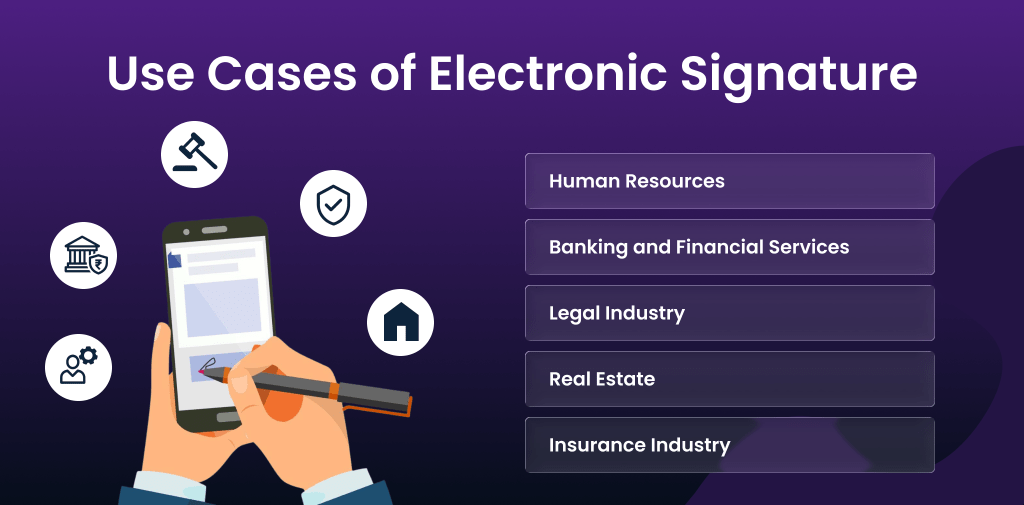
Use Cases and Industry Examples
These are the uses of eSign that simplify the documentation work:
- Human Resources (HR): HR and recruitment teams can use eSign for signing offer letters, employment contracts, policy updates, and employee verification forms to simplify hiring processes.
- Banking and Financial Services: Ideal for account opening forms, loan applications, KYC documents, investment paperwork, and credit approvals.
- Legal Industry: eSign helps law firms manage contracts, NDAs, affidavits, compliance documents, and client agreements.
- Real Estate: It is used for property sale agreements, lease contracts, rental agreements, and brokerage documents. It reduces in-person visits.
- Insurance Industry: Insurance companies use eSign policy issuance, claim forms, and document renewal to reduce processing delays.
Conclusion
An electronic signature has changed the usual document signing work. It is secure, quick, and the best alternative to a traditional handwritten signature. It makes paperwork efficient and accessible from anywhere. There are three primary kinds of eSigns: SES, AES and QES. Customers can pick the methods of eSign according to their requirements and security. E-Signatures are legal and can help companies reduce time and streamline operations.
FAQs
How can I create an electronic signature online?
You can create an eSignature using an online eSign Solution.
What is an electronic signature?
It is a digital way to show a person’s intent to agree to the content document.
What are the main types of eSignature?
Three main types of eSignature are SES (Simple Electronic Signature), AES (Advanced Electronic Signature), and QES (Qualified Electronic Signature).
Is eSignature legally valid?
Yes, an electronic signature is legally valid.
Is typing my name an electronic signature?
Yes, it is a basic form of eSignature.
Automate your KYC Process & reduce Fraud!
We have helped 1000+ companies in reducing their user onboarding TAT by 95%


About The Author: Vijay Kandari
More posts by Vijay Kandari